Free Online Games for Seniors: How to Avoid Hidden Costs and Choose Well
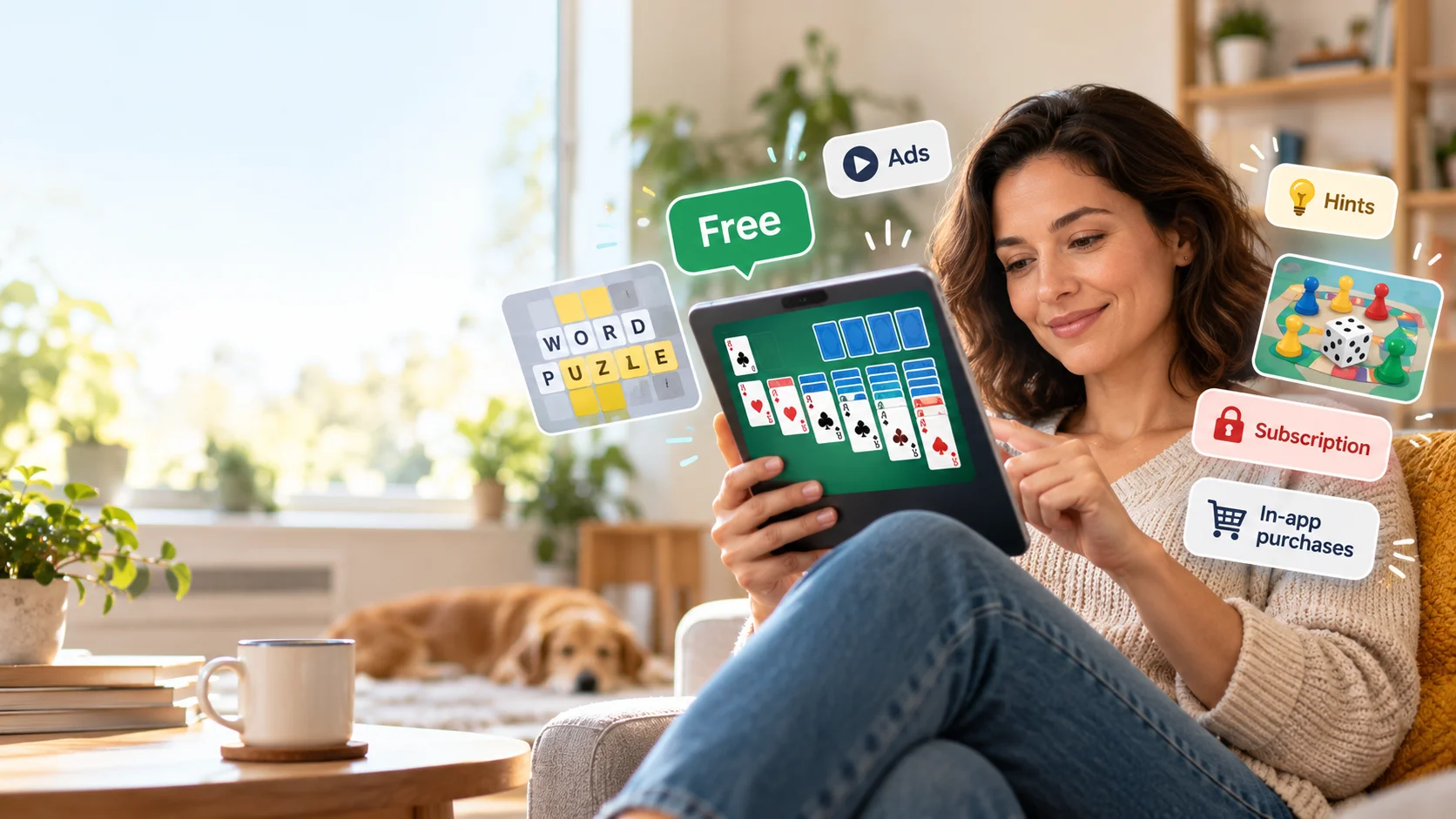
A game of solitaire on your tablet should be a simple pleasure, not the beginning of an unexpected subscription. Yet a game advertised as free might include advertising, paid hints, locked levels or purchases that aren’t obvious until you’ve started playing.
There are plenty of enjoyable online games that cost nothing, from familiar card games to word puzzles and digital board games. The trick is choosing one that suits your interests and device while understanding exactly what “free” means before you download anything.
Start with the kind of game you enjoy
You don’t need a game designed specifically for seniors to find something comfortable and entertaining. Familiar rules, readable screens and the ability to play without rushing often matter more than the age group mentioned in an advertisement.
Consider what you already enjoy offline. Someone who likes the newspaper crossword may prefer word games, while a regular card player might feel immediately at home with digital solitaire.
Familiar card games and puzzles
Classic games are a sensible starting point because you can concentrate on playing rather than learning complicated controls.
Solitaire remains popular for its familiar rules and short sessions. Digital versions of Klondike and Spider Solitaire often include hints, undo buttons and adjustable difficulty.
Sudoku offers a different kind of challenge. Beginner grids are useful if you’re unfamiliar with the puzzle, while experienced players can choose more demanding versions. Look for a notes feature that lets you record possible numbers without committing to an answer.
Mahjong Solitaire involves matching pairs of exposed tiles. It’s different from traditional multiplayer mahjong, but its straightforward matching mechanic makes it well suited to casual play.
Word searches, crosswords and jigsaw puzzles are other accessible choices. Some work directly in a browser, so you don’t need to install anything.
Games you can play with family or friends
Online games can also provide a way to stay connected with people who live elsewhere.
Digital chess, checkers, Scrabble-style word games and certain card games allow participants to compete or cooperate remotely.
There are two common formats.
Real-time multiplayer games require everyone to participate together. They’re enjoyable for a planned family games evening but can be inconvenient when people have different schedules.
Turn-based games allow players to make moves whenever they’re available. A chess game might continue over several days without anyone needing to remain online.
Before choosing a multiplayer game, check whether private matches are available. Some services automatically connect players with strangers or include public chat features.
Games that let you play at your own pace
A game shouldn’t become frustrating simply because you need another moment to read the screen.
Look for untimed modes, adjustable difficulty, clear controls and the ability to pause or resume.
A game with attractive graphics may be less enjoyable if its instructions are difficult to read or its buttons are too small.
If you’re choosing between two similar games, the one with fewer interruptions and more comfortable controls will often be the better long-term choice.
Free to download doesn’t always mean free to play
The word free can describe several different payment arrangements. Some games genuinely require no payment, while others allow free access but encourage spending during play.
Understanding the difference can prevent a small entertainment expense from turning into a recurring charge.
| Game model | What you get | What to watch for |
|---|---|---|
| Free browser game | Play through a website without installing an app | Advertising, tracking, account requirements or paid extras |
| Free mobile app | Download and begin playing without an upfront payment | In-app purchases, paid hints, advertising and locked content |
| One-time purchase | Pay once for the advertised version | Additional content packs or optional purchases |
| Subscription game | Access content through recurring payments | Automatic renewal, trial expiry and cancellation conditions |
| Real-money wagering | Stake money or assets on uncertain outcomes | Financial losses and gambling regulations |
Advertising and optional purchases
Advertising is one way developers support free games.
A game might display advertisements between rounds, offer a reward for watching a video or place promotional banners near the playing area.
That arrangement doesn’t necessarily involve payment, but it can make the experience less comfortable.
Optional purchases are different. They may include extra lives, hints, new puzzle packs, decorative items or the removal of advertisements.
Some games introduce virtual coins or tokens that players earn during play. Others sell additional quantities for real money.
The distinction matters because spending can become part of the game experience even when the initial download costs nothing.
If your goal is completely free entertainment, choose games where payments aren’t required to continue enjoying the main activity.
Trials and recurring subscriptions
Subscriptions deserve particular attention because the expense can continue after you’ve stopped playing.
Imagine a puzzle app offering a hypothetical C$6.99 monthly subscription. That sounds modest compared with many entertainment expenses, but it amounts to C$83.88 over 12 months before any applicable taxes.
That’s an illustration, not the current price of a particular game.
A free trial may also become a paid subscription unless cancelled before the relevant deadline. Read the billing terms before agreeing, including the renewal date and cancellation procedure.
Deleting the game isn’t the same as cancelling the subscription.
Google Play explicitly warns that uninstalling an Android app does not cancel an active subscription. Apple subscriptions must likewise be managed through the relevant account settings.
Paid once versus free with extras
A modest one-time purchase can sometimes offer better value than a free game filled with advertising and optional payments.
Suppose one puzzle game costs nothing but repeatedly offers additional packs, while another charges a single upfront price for the content you want.
The second option might be more economical if you plan to play regularly.
However, paying once doesn’t automatically guarantee an advertisement-free experience or access to every future feature. Check the store description rather than assuming.
For occasional use, a genuinely free browser game may be sufficient. There’s little reason to pay for a large collection of puzzles if you only play for ten minutes every few days.
Five checks before you press Play
You don’t need specialist technical knowledge to assess a game. A few checks can reveal most of the practical issues before you invest time or money.
- Check the price model. In the Apple App Store or Google Play, look for information about in-app purchases, subscriptions and advertising. A free download isn’t proof that every feature is free.
- Read recent reviews carefully. Look for repeated comments about intrusive advertisements, confusing payments, disappearing progress or technical problems. Reviews are useful clues, although individual opinions aren’t guarantees.
- Look at the actual game screen. Are the cards, letters or tiles large enough? Can you distinguish colours comfortably? Screenshots and previews can help, but the first few minutes of play are the real usability check.
- Examine the account requirements. Does the game work without registration? If it requests an email address, contact permissions or other personal information, consider whether those details are necessary.
- Check how easily you can leave. Can you pause, save progress, adjust settings and close the game without losing everything? A game that repeatedly pressures you to purchase an upgrade may not be worth keeping.
Comfort matters more than complicated features
For tablet users, accessibility can make the difference between an enjoyable game and an irritating one.
Larger cards and puzzle grids reduce the need to zoom. High-contrast designs can make symbols easier to distinguish, although the best colour combination varies by person.
Sound controls are useful if you play in a shared room. Adjustable timers and difficulty settings let you decide how challenging the experience should be.
Touch controls matter too. Some games require rapid movements or precise dragging, while others allow simple taps.
If using a smaller phone screen is uncomfortable, try the same type of game on a tablet or computer before giving up on it entirely.
When a casual game becomes a financial risk
Most ordinary puzzles and card games are entertainment products. Some charge for extra features, but playing them doesn’t necessarily involve risking money on an uncertain outcome.
The distinction becomes more serious when games introduce real-money stakes.
The difference between game points and real-money stakes
Some games use coins, points or tokens that exist only inside the game. Others introduce real payments, and a smaller category involves staking money or digital assets on uncertain outcomes.
A commercial example is a site promoting solana gambling, where cryptocurrency-based wagering is fundamentally different from playing a free puzzle or card game.
A familiar game format doesn’t remove the financial risk once something of real value is at stake. Cryptocurrency also introduces considerations that ordinary game points don’t have, including changes in the asset’s value and the consequences of transferring it.
A useful distinction is whether the tokens merely record progress, can be purchased for entertainment features or represent something with real financial value.
Don’t assume that a game is harmless simply because its graphics resemble a familiar board game or its balance is displayed as digital coins.
Why the distinction matters in British Columbia
Online gambling is regulated provincially in Canada, and the rules aren’t identical everywhere.
According to British Columbia’s Independent Gambling Control Office, the British Columbia Lottery Corporation operates the province’s only authorized regulated commercial online gambling website, PlayNow.com.
The regulator has also stated that other online gambling websites accepting BC players operate illegally in the province.
A website offering a Canadian-English interface, accepting cryptocurrency or allowing someone to create an account doesn’t establish that it is authorized to offer gambling in BC.
For someone simply looking for affordable entertainment, the practical choice is straightforward: stick to games that don’t require risking money or cryptocurrency.
Ordinary puzzles, card games played without stakes and library-supported digital activities offer plenty of alternatives.
How to prevent accidental purchases
Even a carefully chosen game can contain purchasing options. Your phone or tablet has settings that can help reduce the risk of unwanted charges.
Purchase restrictions on iPhone and iPad
Apple provides purchase controls through Screen Time.
Depending on your iOS or iPadOS version, the labels may differ slightly, but the usual process is:
- Open Settings.
- Select Screen Time.
- Open Content & Privacy Restrictions and enable restrictions where required.
- Find iTunes & App Store Purchases or the relevant App Store purchase settings.
- Set In-app Purchases to Don’t Allow or Blocked, depending on your software version.
Apple also provides options for requiring authentication before purchases.
If you’ve already started a subscription, open Settings, tap your name and choose Subscriptions. Select the active subscription to review or cancel it.
Restrictions on App Store purchases don’t necessarily prevent payments made directly through an external website.
Purchase verification on Android
Google Play also allows you to require verification before purchases.
On an Android phone or tablet:
- Open Google Play.
- Tap your profile picture.
- Select Payments & subscriptions.
- Open Purchase verification.
- Choose Verification requirement or Verification frequency, then select the appropriate option.
The precise wording can vary with the device and software version.
To review existing subscriptions, open the subscriptions section of Google Play while signed into the account used to purchase them. Select the relevant subscription and follow the cancellation instructions.
Purchase verification reduces the likelihood of accidental Google Play charges, but it doesn’t control transactions handled outside Google’s billing system.
If an unfamiliar charge appears, review your Apple or Google purchase history and the relevant payment statement. Check which merchant processed the charge before attempting to resolve it.
What to choose for different situations
There isn’t one perfect online game for every older adult. The best option depends on how you want to spend your time and what you’re comfortable managing.
If you just want a quiet game for ten minutes
Start with browser-based solitaire, word searches or sudoku.
These can be convenient because some require no download or account. Look for straightforward controls, readable layouts and the ability to pause.
Your public library may offer another option. Greater Victoria Public Library provides eligible cardholders with access to New York Times Games, including crosswords and word puzzles. Access involves redeeming a library-provided token and may require a free New York Times account.
That is a useful example of digital entertainment available through an existing public service rather than another paid subscription.
If you want to play with other people
Choose a game with private invitations or a turn-based format.
Chess, word games and cooperative board games can work well when friends or family members live in different places.
Check whether everyone needs an account, whether the same game works across different devices and whether private play costs anything.
If you’d rather spend time away from a screen, there are plenty of free and low-cost ways to spend your time in BC, including library events, community groups and local recreation programmes.
If you’re helping someone else choose
Start by asking what games they already enjoy. Familiarity is often more useful than a recommendation based entirely on age.
Try the game together and check whether the text, sound and controls are comfortable. Explain any purchasing options rather than simply dismissing them.
If you’re helping a parent or another family member, agree on payment settings together and respect their preferences. Some people are perfectly comfortable using online stores but would prefer a second opinion before agreeing to a subscription.
A short demonstration can be more useful than downloading several apps and leaving someone to figure them out independently.
A better game is one you can enjoy without surprises
The best free online game isn’t necessarily the one with the most levels, elaborate graphics or thousands of downloads. It’s one that you enjoy returning to without worrying about unexpected payments or confusing controls.
Start with a familiar game, check the payment information and make sure the screen is comfortable to use. If something feels unnecessarily complicated, try another option.
A good puzzle should leave you thinking about your next move—not wondering what you’ll be charged for it.
Editorial note: Platform purchase controls, library digital resources and British Columbia’s online gambling regulations were reviewed using official Apple, Google Play, Greater Victoria Public Library and Independent Gambling Control Office information in October 2026. Features, billing settings and regulatory information can change. Confirm current details with the relevant provider.